In which case you simply hit Cmd-Shift-H (or select 'Hide Others' in the app menu), which hides all but the active application...
Personally though, I generally just use Spaces to have different screens containing only applications that I want to use together. So I'll have a programming doc open in Preview, next to my XCode project window. Or I'll have a web browser open with Textmate if I'm doing something with Rails. That way you only have the apps that you are interested in on screen in any given 'space'.
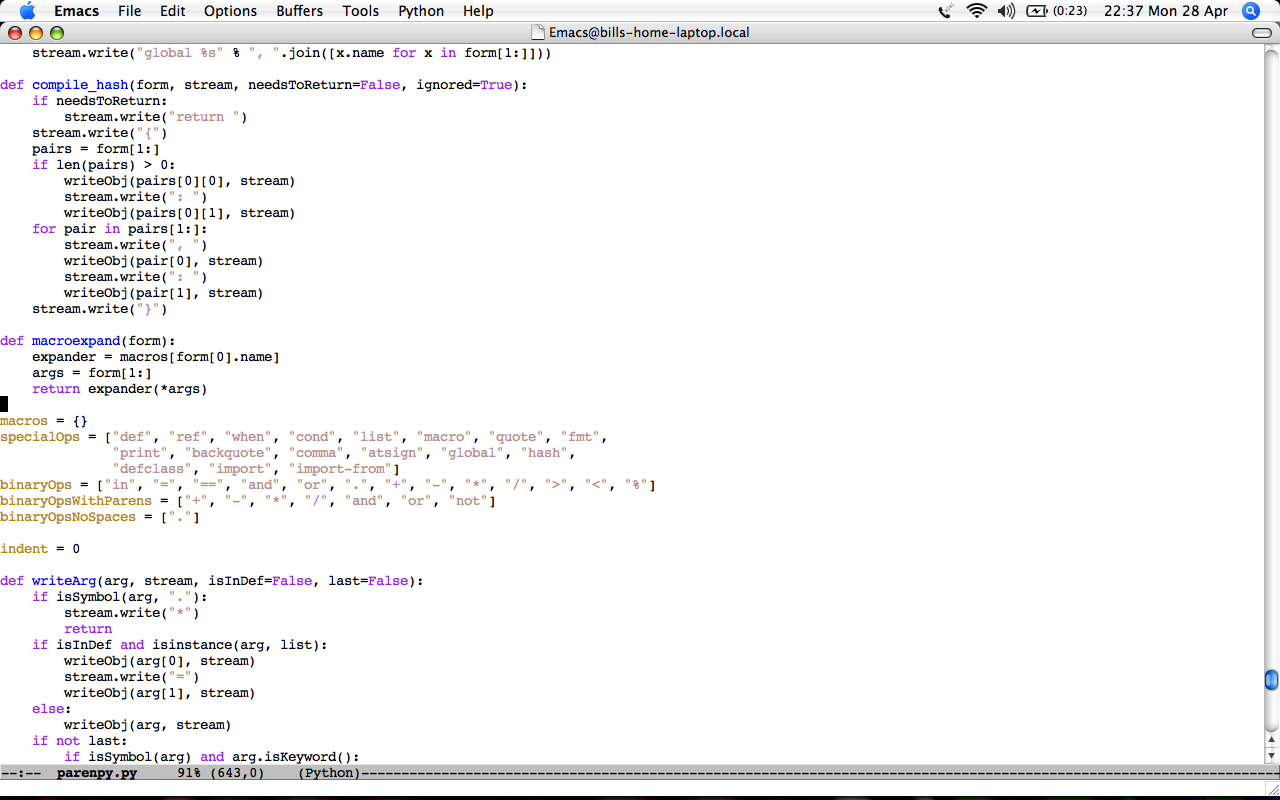
If emacs wasn't taking up the whole screen, I'd have a scrollbar running down the middle of the screen, which would be really visually distracting.
I used virtual desktops a lot back when I used Linux for my desktop os. They're great, and I'm sure I'll use them again when I upgrade from Tiger. But, for me at least, they're no substitute for maximization.
Yeah, that is more of a "this is possible" thing :) In "real life" i use the same size screen, but with the right third consisting of an irc window, REPL, and terminal; and the other two-thirds 2 or 4 files of code.
I pity someone who spends more than 90% of their time in emacs. In fact, I pity anyone who spends 90% of their time in any text editor. Googling for things alone probably takes up 10% of my time, plus the time spent in my app, plus the time spent doing none of those things.
Cmd-Shift-H actually sends you "home" if that option is available. Opt-Shift-H hides others. The lame thing about hide others is there isn't a built in key command to show all.